
Black Hole @ Milky Way Galactic Center via allWISE Infrared
Sagittarius A or M87?
OK, since everyone’s talking about the upcoming April 10th event: “Scientists set to unveil first picture of a black hole“. (Thanks to Roy ChangLeo for the tip on this one.)
In the mean time, how about a quick peek into the galactic center of the Milky Way, aka Sagittarius A?
Here’s an interactive pic in INFRARED spectrum of our own galactic center, Sagittarius A.
If you click zoom enough times and allow the system to render the images, you will eventually come upon a dark object, all black.
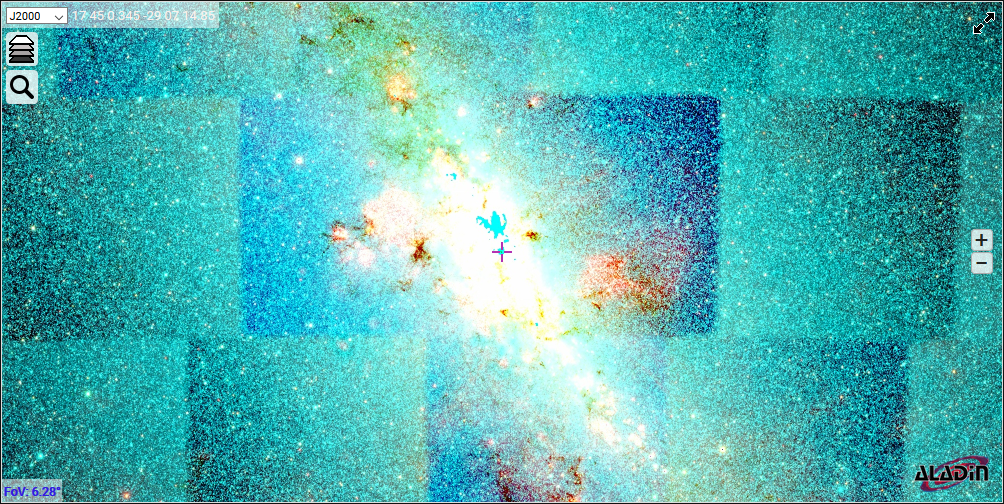
Then it’ll look like this, that’s it, a giant dark zone revealed by infrared. Predator would be proud!
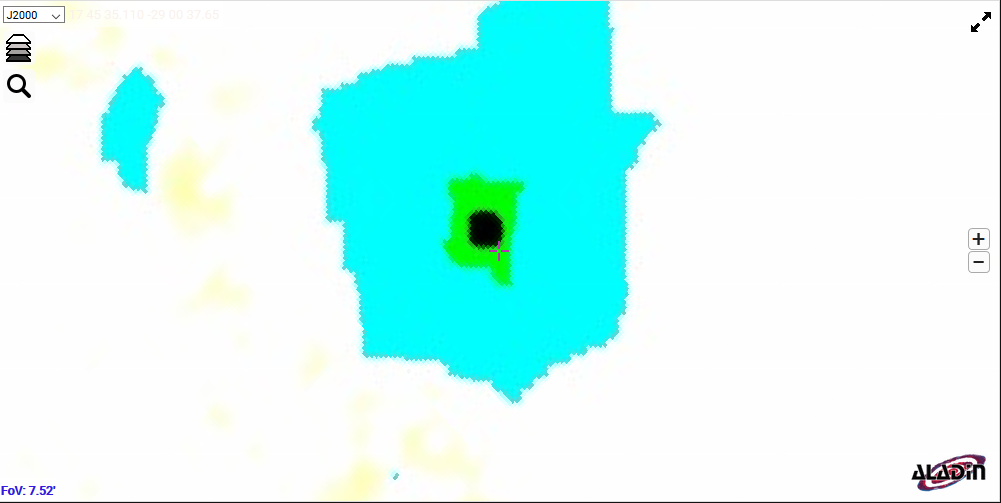
As you zoom far enough into the black hole, it’s as we always suspected:

ALADIN LITE ON STEROIDS – THE ESA VERSION:
The European Space Administration [ESA] has a heavily optimized and dialed in version of ALADIN Lite live, right here. It has a ton more features and data built in.
For those of you who want to keep it simple and have a Windows machine, click here to download ALADIN for Windows.
ALADIN View Options:
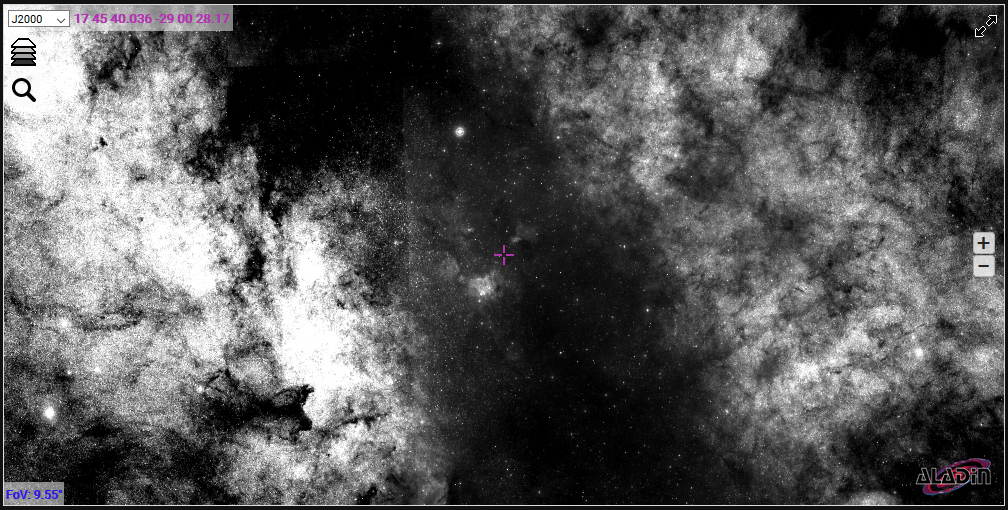
If you want to see different views of our galaxy, just click on the settings on upper left, where you can either alternate the given view to J2000d, and GAL (sidelong), or select one of the many base image formats, or search for another object.:
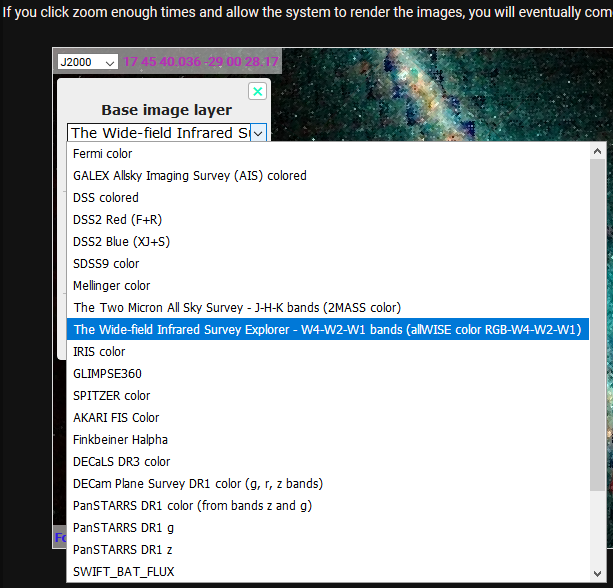
This will get you the other views:
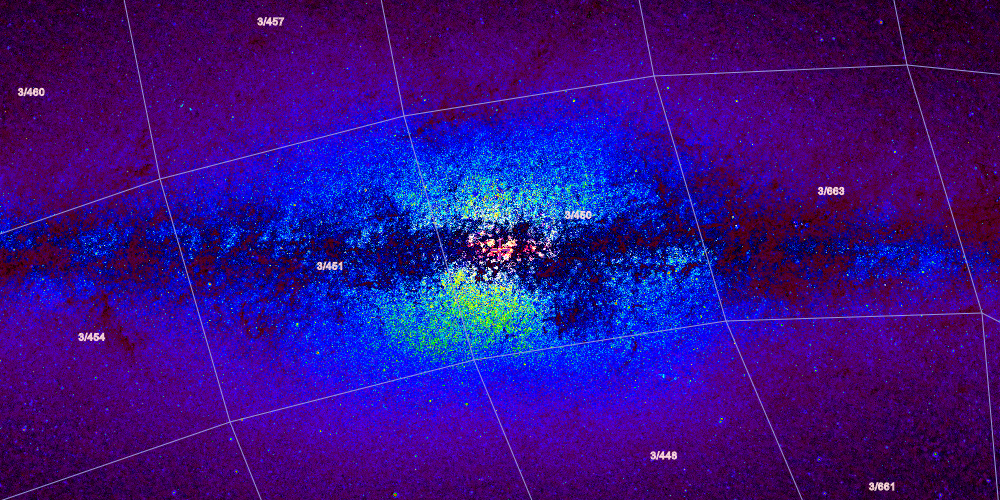
And here’s another:
ALADIN LITE via WordPress / Javascript:
This object (aside from Curley Joe) is rendered by the Aladin Lite SKY ATLAS tool’s Javascript API.
I used this Howto to get past some of the initial limitations in WordPress:
https://www.wpbeginner.com/wp-tutorials/how-to-easily-add-javascript-in-wordpress-pages-or-posts/
The HOWTO has a section “Method 3. Adding Javascript Code Inside Posts or Pages Using Plugin”, that’s the part I used, with this plugin: CODE EMBED by David Artiss
I checked out the tutorial, then checked the API Examples.
I liked this API Code example of a visualization of MARS a lot, so much so I made a separate Mars Planetary Data page for it. I even figured out how to stop it from going into full-screen automatically.
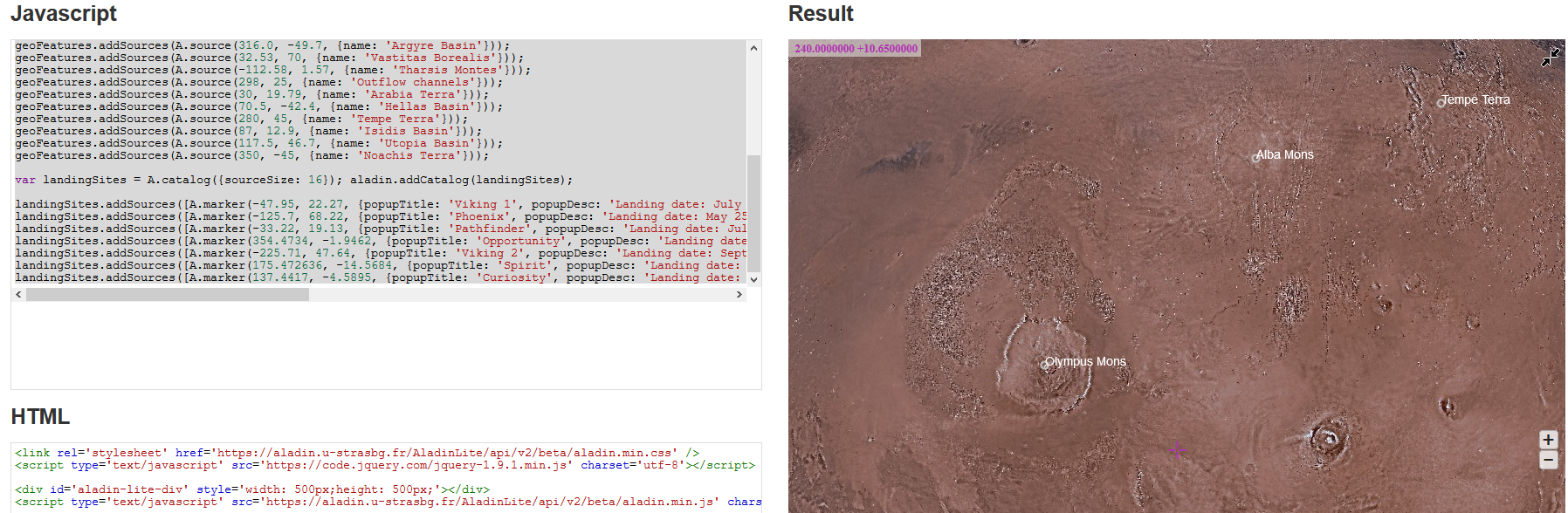
Using ATOM Code Editor Helped A Lot:
Other issues I ran into were code related.
So I opened up the free code editing tool known as ATOM which you can download here, and started saving the code into various HTML files, like this one for a Galaxy Pair.
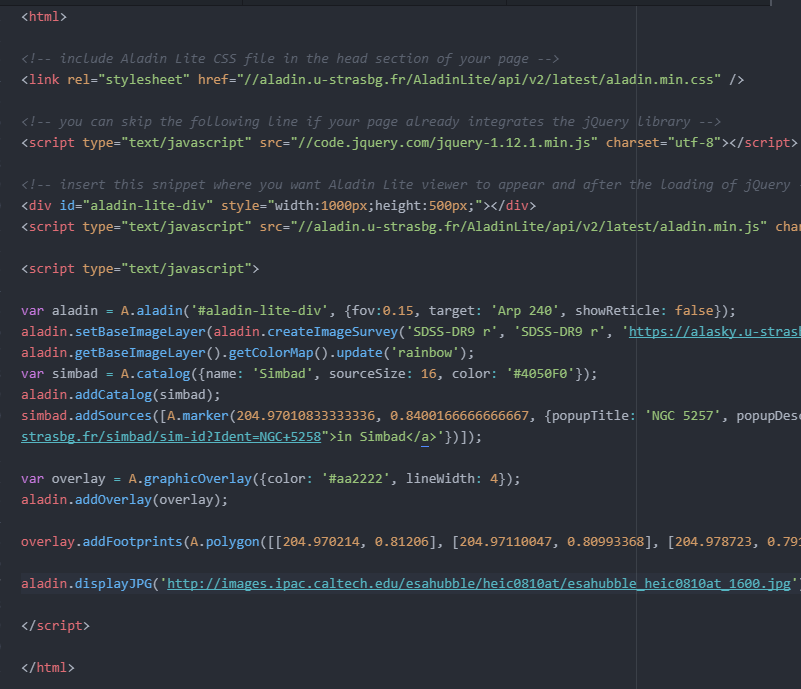
Once I started dumping those into the right custom fields, I started getting results.
I haven’t solved the [CSS?] mystery as to why it works better in Widgets than in static posts, but I will.
I’ll even clone some or all of this ALADIN howto info into a separate post or posts.
